Implementing Contactless Ordering in Restaurants
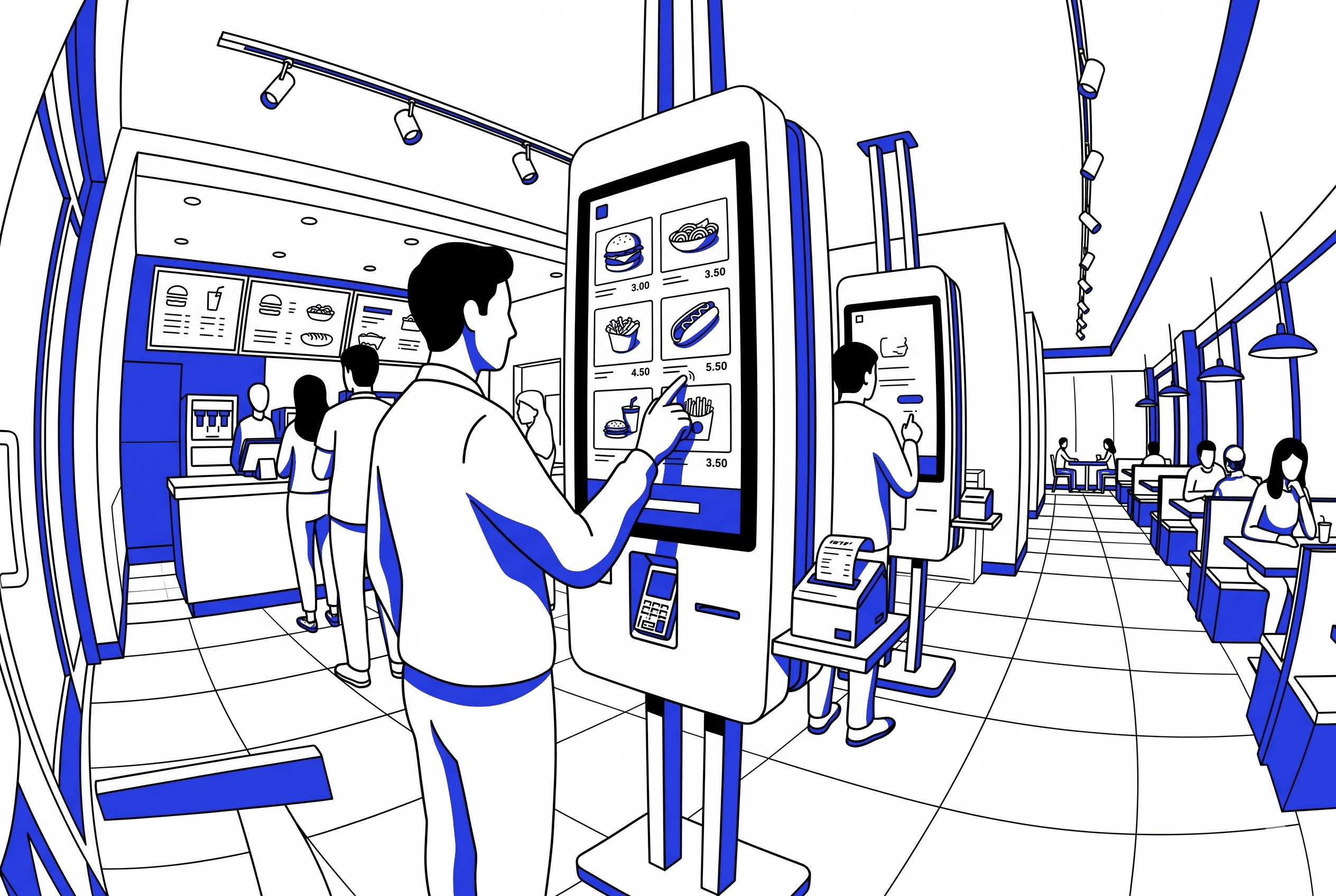
Contactless ordering (QR-to-menu, self-service kiosks, app-based ordering from the table) reduces labor at the order-taking step but shifts work to the kitchen and food runners. The total labor saving is smaller than most vendors promise.
The customer experience tradeoff is real. Contactless ordering removes the human touchpoint where servers read preferences, suggest items, and upsell. Some formats benefit from this (QSR, high-volume casual); others lose something meaningful (full-service, fine dining).
QR-to-menu is the lowest-friction entry point for most restaurants. Kiosks require capital investment and floor space. App-based ordering requires the customer to download something, which most will not do for a single visit.
For multi-location brands, the operational benefit is standardization: orders flow digitally into the POS and KDS, reducing transcription errors, producing cleaner data, and enabling real-time menu updates across all branches simultaneously.
The implementation that works treats contactless as an option alongside human service, not a replacement for it. Give customers the choice and let adoption happen naturally.
Contactless ordering entered most operators' vocabulary during 2020 and has not left. QR codes on tables, self-service kiosks at the counter, app-based ordering from the seat. The technology is mature, the customer adoption curve in the region is rising, and the vendor pitch is appealing: fewer servers, fewer errors, faster throughput.
The reality is more nuanced. Contactless ordering does change the operation, but not always in the ways the pitch suggests, and the customer experience tradeoffs are real. This article is for multi-location operators evaluating whether and how to implement contactless ordering, with a focus on what actually changes in daily operations and what the customer experience implications are.
The three models of contactless ordering
QR-to-menu ordering. A QR code on the table opens a digital menu on the customer's phone. They browse, select items, and submit the order, which flows directly to the POS and kitchen. No app download required. Lowest friction for the customer, lowest capital cost for the operator. Most restaurants in the region that have adopted contactless ordering started here.
Self-service kiosks. Freestanding screens (usually near the entrance or counter) where customers browse the menu, customize orders, and pay. Common in QSR and fast casual. Higher capital cost (SAR 5,000 to 15,000 per unit depending on configuration) but produces higher average check because kiosk interfaces encourage add-ons and upsells more effectively than human servers.
App-based ordering. The customer orders through the restaurant's own app or a white-label ordering platform. Strongest for repeat customers and loyalty integration, but requires a download, which is a meaningful barrier for first-time or infrequent guests. Most effective for QSR brands with high visit frequency and an existing loyalty program.
For most multi-location brands in the region starting with contactless, QR-to-menu is the right entry point. The capital cost is near zero (printed QR codes plus a subscription to a digital menu platform), the customer friction is minimal (no download, no account creation), and the operational impact is immediate.
What actually changes in the operation
The vendor pitch focuses on what contactless ordering removes: the server taking the order. The operational reality is that contactless ordering shifts work rather than eliminating it.
Order accuracy improves. When the customer enters their own order, transcription errors from verbal ordering disappear. No misheard customizations, no forgotten items, no "I said no onions" disputes. For brands with complex menus or frequent customization, this is the single largest operational benefit.
Kitchen load increases without warning. When a server takes orders table by table, orders arrive in the kitchen at a human pace. When customers order simultaneously from their phones, the kitchen can receive a burst of orders with no staggering. KDS and kitchen workflow need to account for this: order batching logic, fire timing, and station capacity all need adjustment.
Food runners replace order-takers. The server who used to take the order now runs food instead (or handles more tables). The net labor saving exists but is smaller than most vendors claim, because the work shifts to a different part of the service cycle rather than disappearing.
Menu management becomes centralized. Digital menus can be updated across all branches simultaneously: price changes, item availability, seasonal additions. This is a significant operational improvement for multi-location brands that previously managed printed menus or per-branch POS updates.
Data quality improves. Every digital order is a structured data point: exact items, customizations, timing, table assignment. This feeds into POS analytics, customer intelligence, and inventory management with higher fidelity than manually entered orders.
The customer experience tradeoff
The human touchpoint at order-taking is not just a labor function. It is a customer experience function. The server reads the table, gauges the mood, suggests items based on the party's profile, answers questions about the menu, handles dietary restrictions with nuance, and sets the tone for the meal. Removing this touchpoint removes something real.
For QSR and high-volume casual formats, the tradeoff is usually positive. Customers in these formats prioritize speed and accuracy over personal interaction, and contactless ordering delivers both. The experience improvement from faster, more accurate ordering outweighs the loss of the human touchpoint.
For full-service and fine dining, the tradeoff is more complex. The order-taking interaction is part of the experience the guest is paying for. Removing it risks making the meal feel transactional. In these formats, contactless ordering works better as a supplement (for reorders, additional drinks, dessert) than as a replacement for the initial order.
For brands operating across multiple formats (a common structure in KSA, where a brand might have a full-service flagship and QSR branches), the implementation should be format-specific, not one-size-fits-all.
Implementation that works
The implementations that succeed treat contactless ordering as an option alongside human service, not a replacement for it. Customers who want to order from their phone can. Customers who want to talk to a server can. The system handles both pathways and does not penalize either.
Practical steps for multi-location brands rolling out QR-to-menu ordering:
Start with two or three pilot branches rather than a full rollout. Test customer adoption rate, kitchen impact, and service flow adjustments before scaling.
Choose a platform that integrates with your POS. QR orders must flow into the same order management system as server-entered orders, or the kitchen runs two parallel systems. Foodics, among other regional POS platforms, supports QR ordering integrations natively.
Train staff for the hybrid model. Servers need to know how to assist customers who struggle with the digital menu, how to handle tables that mix digital and verbal orders, and how the order flow changes in the kitchen.
Design the digital menu for mobile. The menu must work cleanly on a phone screen: clear categories, easy customization, visible pricing, fast load time. A PDF of the printed menu is not a digital menu; it is a frustrating customer experience.
Monitor adoption and feedback. Track what percentage of tables use contactless ordering versus server ordering, measure order accuracy and ticket time for each pathway, and read customer feedback for friction signals. Adjust based on data, not assumptions.
Regional considerations for KSA and MENA
Smartphone penetration in KSA is among the highest globally, which removes the adoption barrier that limits contactless ordering in some markets. Payment integration with Mada, Apple Pay, and STC Pay is essential; a contactless ordering system that only accepts international cards will frustrate a significant share of customers.
Arabic language support in the digital menu is non-negotiable, including bidirectional text handling, Arabic item names, and Arabic customization options. Most international QR ordering platforms support this, but the depth varies; test with actual Arabic content before committing.
Cultural dining patterns in the region, particularly large group dining and family gatherings, create a specific use case: group ordering from a single QR code where multiple guests add items to a shared check. Platforms that support this smoothly have a meaningful edge in the regional market.
Conclusion
Contactless ordering is a genuine operational improvement for most multi-location restaurants, particularly for order accuracy, menu management, and data quality. The labor saving is real but smaller than vendors suggest, because the work shifts rather than disappears.
The customer experience tradeoff is format-dependent: positive for QSR and high-volume casual, more nuanced for full-service. The implementation that works treats contactless as an option alongside human service, starts with a pilot, integrates with the existing POS, and adjusts based on adoption data and customer feedback.
For multi-location brands, the strategic value is standardization: digital orders produce cleaner data, enable centralized menu management, and create a structured signal that feeds into customer intelligence and operational analytics. That data infrastructure value persists long after the initial adoption curve flattens.
Frequently asked questions
What is contactless ordering in restaurants?
Contactless ordering lets customers place orders digitally without direct interaction with a server. The three main models are QR-to-menu (scanning a code on the table to order from a phone), self-service kiosks (freestanding screens near the entrance or counter), and app-based ordering (through the restaurant's own app or a white-label platform). QR-to-menu is the lowest-friction and lowest-cost entry point for most restaurants.
Does contactless ordering save labor costs?
It reduces labor at the order-taking step but shifts work to food running and kitchen management. The net labor saving is real but smaller than most vendors promise, typically 10 to 20% reduction in front-of-house labor hours rather than the 30 to 50% sometimes claimed. The largest operational benefits are in order accuracy (eliminating transcription errors) and data quality (every order is a structured digital record), not labor reduction alone.
Which contactless ordering model works best for restaurants in Saudi Arabia?
For most multi-location brands in KSA starting with contactless, QR-to-menu is the right entry point. Smartphone penetration is high, the capital cost is near zero, and no app download is required. The system must integrate with mada, Apple Pay, and STC Pay for payment, and the digital menu must support Arabic fully. Self-service kiosks work well for QSR brands with high volume. App-based ordering is strongest for brands with existing loyalty programs and high visit frequency.
How does contactless ordering affect the customer experience?
The impact depends on format. For QSR and high-volume casual, the experience typically improves because customers prioritize speed and accuracy over personal interaction. For full-service and fine dining, removing the order-taking touchpoint removes a meaningful part of the experience: the server reading the table, suggesting items, and setting the tone. In these formats, contactless works better as a supplement (reorders, drinks, dessert) than a replacement for the initial order.
What are the steps to implement contactless ordering in a multi-location restaurant?
Start with two or three pilot branches. Choose a platform that integrates with your POS so orders flow into the same system. Train staff for the hybrid model (customers who use digital ordering and those who prefer servers). Design the digital menu for mobile (not a PDF of the printed menu). Support Arabic and local payment methods (mada, Apple Pay, STC Pay). Monitor adoption rate, order accuracy, and customer feedback. Adjust based on data before scaling to all branches.
What should the digital menu include for contactless ordering?
Clear categories organized by order flow (not an alphabetical list), item photos where possible, visible pricing, easy customization (additions, removals, special instructions), Arabic and English language support, and fast load time on mobile. A PDF of the printed menu is not a digital menu. The interface should be designed for a phone screen, with large tap targets and minimal scrolling to complete an order. Group ordering support (multiple guests adding items to a shared check) is particularly valuable in the KSA market given the prevalence of family and group dining.